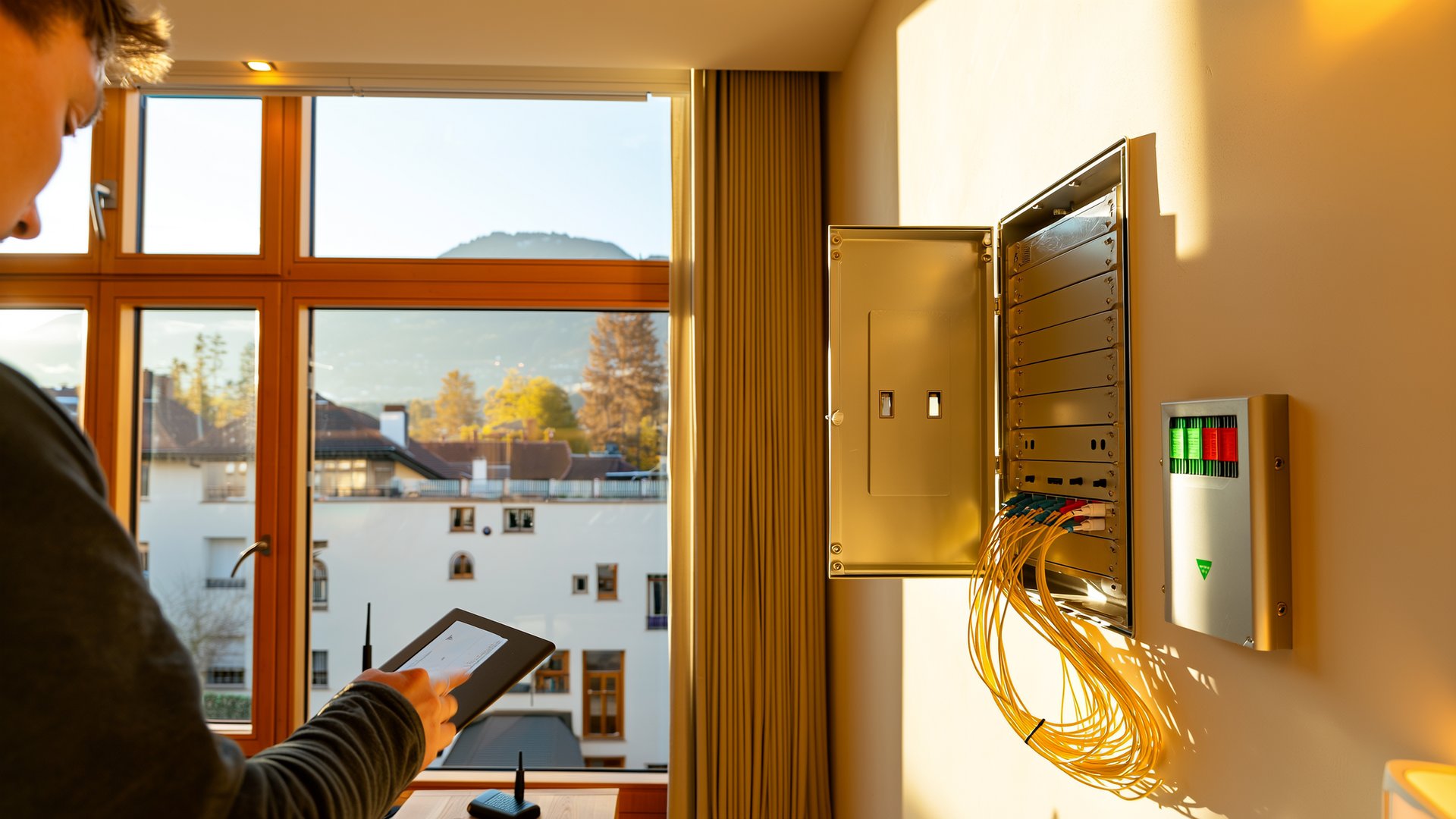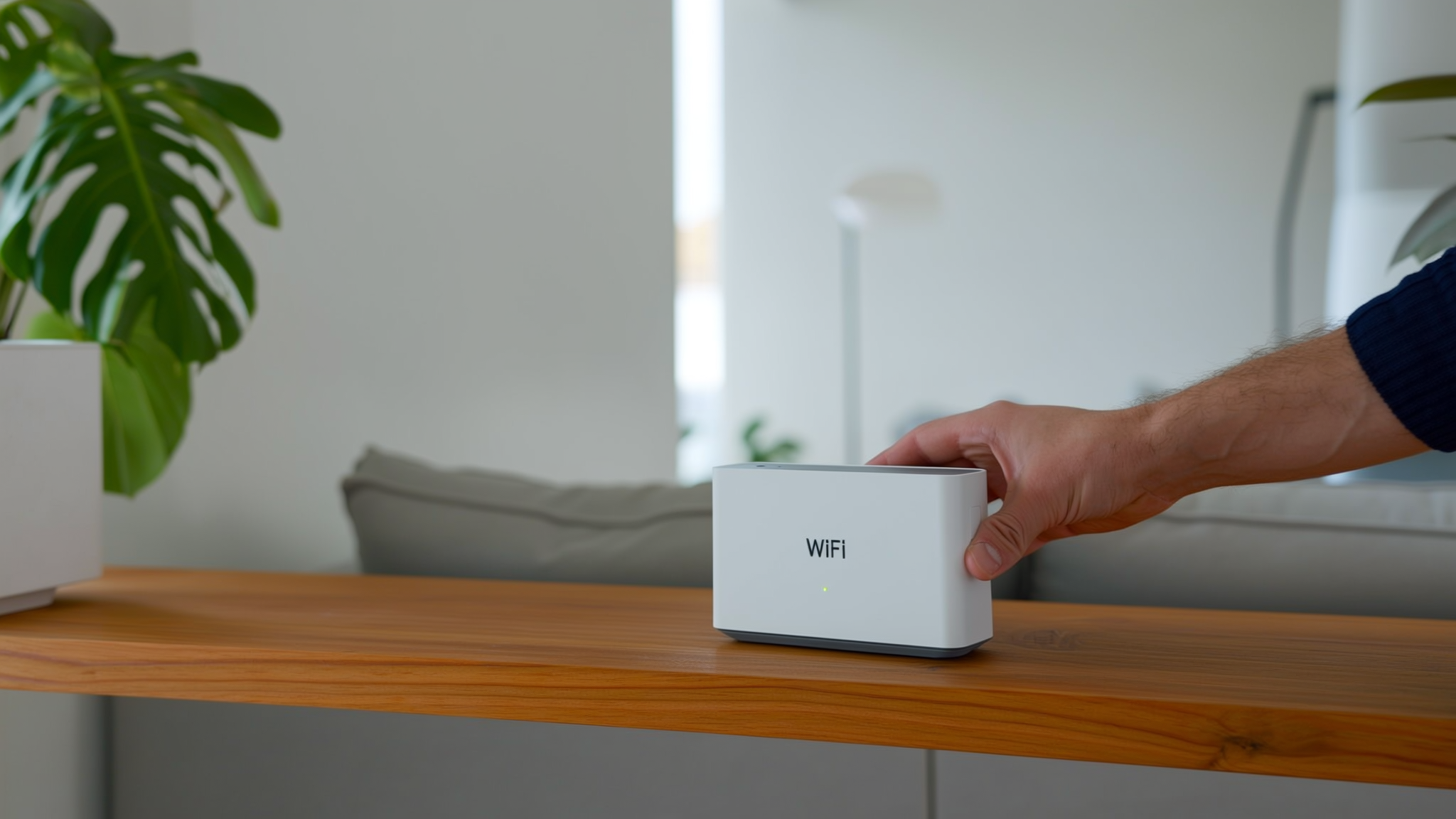
Anyone looking for a new Wi-Fi router today will quickly realise that the subject has become more complex. WiFi 6, WiFi 7, mesh, 2.5 gigabit ports, fibre optics, DSL, bridge mode. At the same time, we really only want one thing: stable internet in every room, without interruptions when streaming and without frustration when working from home.
Here we show you what really matters right now – technically and pragmatically for households.
---
WiFi is not the same as internet
An important point that is often confused: the router distributes the signal in your flat or house. However, how fast your internet actually is depends on the connection:
- DSL
- Cable
- Fibre optic
Especially with fibre optic at 1 Gbit/s or more, the router becomes a crucial component. An old device with only 1-gigabit ports or a weak CPU can become a bottleneck. So if you invest in a fast connection, you shouldn't cut corners.
---
WiFi 6 or WiFi 7 – which is worth it?
WiFi 6
WiFi 6 is now standard in the mid-range and high-end segments. Advantages:
- Better management of multiple devices simultaneously
- More stable connection during high utilisation
- Ideal for households with 20 or more devices
WiFi 7
WiFi 7 is the latest generation:
- Very high theoretical speeds
- Wider channels
- Lower latency
Currently, users with very fast fibre optic connections and compatible end devices benefit most. The devices are still expensive, but offer future-proofing.
Brief comparison
| Standard | Advantages | Suitable for | Price level |
|---|---|---|---|
| WiFi 6 | Stable with many devices, good value for money | Most households | Medium |
| WiFi 7 | Highest speed, future-proof | High-end fibre optic, technology enthusiasts | High |
For most households, a good WiFi 6 router is currently the best choice.
---
Mesh instead of repeater
In larger flats or houses, a single router is often not enough.
Classic repeaters:
- Inexpensive
- Easy to install
- Often loss of performance
Mesh systems:
- Multiple devices form a shared WiFi network
- Seamless switching between nodes
- Stable for streaming and video calls
Important: Ideally, the mesh nodes should be connected via network cable (Ethernet backhaul). This ensures maximum stability. If this is not possible, you should look for a tri-band system.
---
Router from your provider or your own device?
Many internet providers supply a router. For the majority of users, this is sufficient:
- Pre-configured
- Automatic updates
- Direct support
Your own device is worthwhile for:
- VLAN or VPN use
- Individual firewall rules
- Own DNS servers
- Complex home networks
- NAS systems
- Multiple access points
Compatibility with the connection is important. With fibre optics, a router with an SFP port or a separate fibre optic modem may be necessary.
---
2.4 GHz, 5 GHz or 6 GHz?
| Frequency | Range | Speed | Suitable for |
|---|---|---|---|
| 2.4 GHz | High | Low | Long distance, simple devices |
| 5 GHz | Medium | High | Streaming, gaming, downloads |
| 6 GHz | Low | Very high | Latest devices, few neighbouring networks |
2.4 GHz offers the best range, but is often heavily congested.
5 GHz is usually the better choice for high performance.
6 GHz provides additional bandwidth, but is particularly suitable for less heavily shielded living situations.
---
Don't forget security
A modern router should support at least WPA3. Automatic updates are a big plus, as security vulnerabilities are discovered regularly.
Useful features:
- Guest network
- Separate network for IoT devices
- Parental controls
- Regular firmware updates
Smart home devices are considered potential vulnerabilities – a clean network structure significantly increases security.
---
Practical tips for better performance
Not everything is a question of hardware.
- Place the router as centrally as possible
- Do not hide it in a cupboard
- Keep it away from metal surfaces and microwaves
- Check the channel allocation and change it if necessary
- Use LAN cables for stationary devices if possible
A network cable remains the most stable solution – especially for gaming PCs, smart TVs or work computers.
---
Conclusion
There is no such thing as the perfect Wi-Fi router. The decisive factors are:
- Living situation
- Connection type
- Usage behaviour
For small flats with moderate internet connections, a solid all-in-one device is often sufficient. If you stream a lot, work from home or live in a larger house, you should consider mesh and more powerful hardware.
Wi-Fi is now a critical part of everyday life. A well-considered choice will ensure less frustration and significantly better performance for years to come.