The physical SIM card is a thing of the past – at least for newer smartphones. The eSIM is built directly into the device, can be activated via an app or QR code, and allows you to store multiple profiles at the same time. In Switzerland, all three major network operators support eSIM, but the processes differ. This guide shows you exactly how the switch works, which devices are compatible and when eSIM is worth it for you.
What is an eSIM and what are its advantages?
eSIM stands for «embedded SIM». The chip is soldered directly onto your smartphone's motherboard and cannot be removed. Instead of a physical card, you receive a digital profile from your provider that you load onto your device via QR code, app or activation code.
Advantages over the classic SIM card:
- Device switch without waiting: No waiting for a new SIM by post. You activate the new profile in just a few minutes.
- Dual-SIM without a second slot: Many smartphones support one physical SIM plus one eSIM simultaneously. Ideal for having a personal and a work number on the same device.
- Travel: Abroad, you can activate a local eSIM from a local provider without losing your Swiss number.
- Flexibility when switching providers: No waiting for a new card, no risk of losing the SIM.
- No physical wear: No slot that wears out over time.
Limitations you should know about:
- In the event of a defect or warranty claim, the eSIM is tied to the device – you can't simply put it into a loan device.
- Older smartphones don't support eSIM.
- Some prepaid offers are not yet eSIM-compatible.
Which devices support eSIM?
eSIM support depends on the device, not the provider. A selection of compatible devices:
| Device category | Examples |
|---|---|
| iPhone | iPhone XS and newer (all models from 2018) |
| Samsung Galaxy | S20 and newer, Z Fold/Flip series, A54 and newer |
| Google Pixel | Pixel 3 and newer |
| iPad | iPad Pro (from 2018), iPad Air (from 2019), iPad mini (from 2019) |
| Apple Watch | Series 3 and newer (with LTE) |
| Windows laptops | Various Surface models, selected Lenovo ThinkPads |
How to check if your device supports eSIM:
- iPhone: Settings → General → About → scroll down. If you see «EID», eSIM is available.
- Android (Samsung, Pixel): Settings → Connections → SIM Card Manager. If the option «Add eSIM» appears, the device is compatible.
- If in doubt: search for your device model on your provider's support page.
Important: some devices purchased abroad (e.g. in the USA or Hong Kong) may not support eSIM, even if the same model supports it in Switzerland. This depends on the regional firmware.
Activating eSIM with Swisscom
Swisscom offers eSIM for all current postpaid plans. Activation is done via the My Swisscom app or via the online customer centre.
Step by step:
- Log in to the My Swisscom app or on swisscom.ch with your credentials.
- Go to your mobile plan and select «Manage SIM card».
- Choose «Switch to eSIM» or «Activate eSIM».
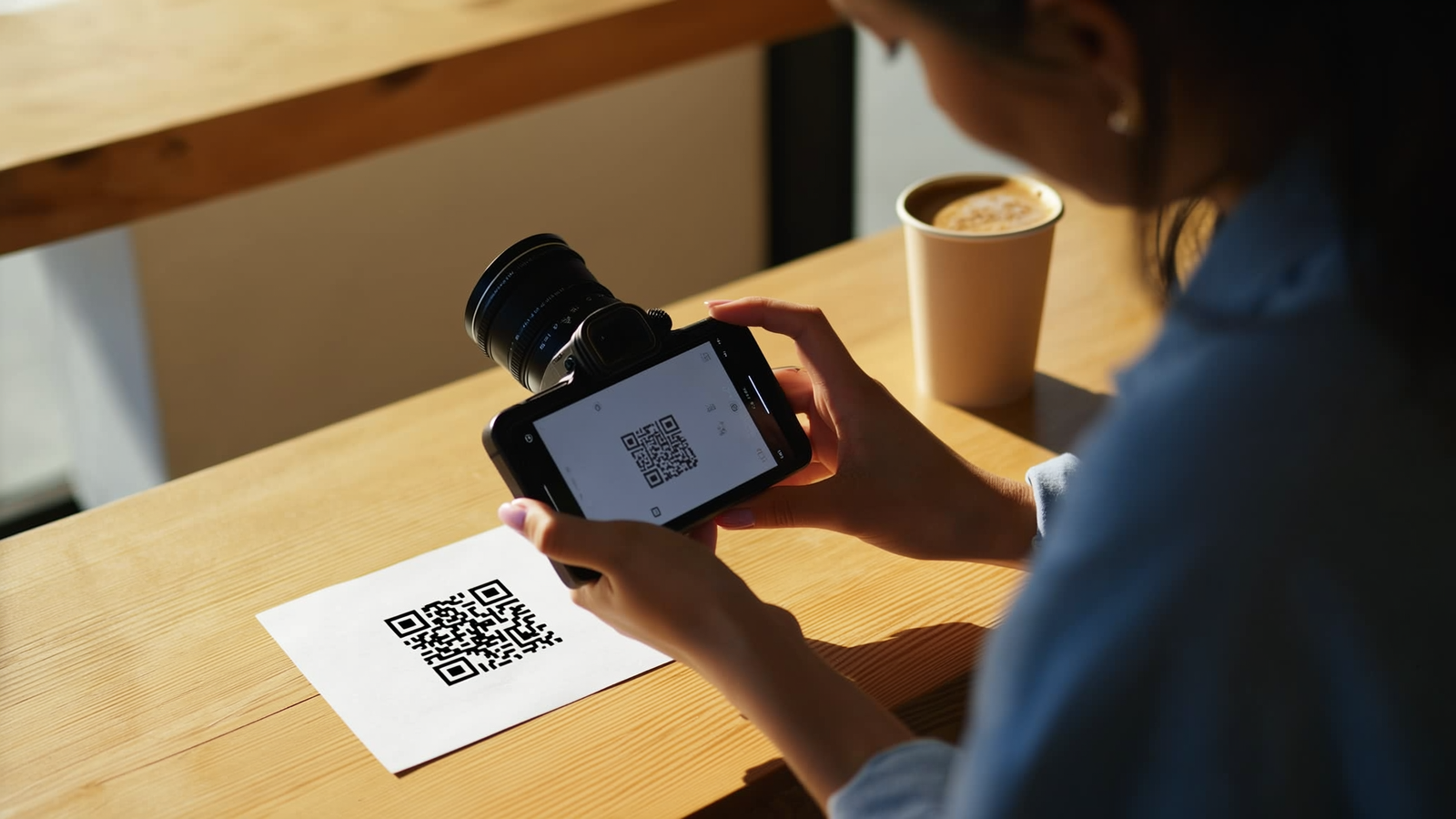
- You receive a QR code or can complete the activation directly in the app.
- Scan the QR code with your device (Settings → Mobile Data → Add eSIM) or confirm the app activation.
- The profile is loaded onto your device. Duration: usually under 5 minutes.
If you switch from a physical SIM to an eSIM, the old SIM is deactivated. Keep it for a short while, though, until you're sure the eSIM is working.
Swisscom and Dual-SIM: Swisscom allows you to activate a second number as an additional eSIM on the same device – this is possible via a separate plan or the MultiSIM feature.
Activating eSIM with Sunrise
Sunrise also supports eSIM for all postpaid plans. Activation is done via the My Sunrise app or the online area.
Step by step:
- Open the My Sunrise app or log in on sunrise.ch.
- Navigate to «My SIM» or «Manage SIM».
- Select «Activate eSIM».
- You receive a QR code by email or directly in the app.
- Scan the QR code on your smartphone or use the app activation.
- Confirm the activation – the profile is active within a few minutes.
Sunrise also offers eSIM for secondary devices, such as an Apple Watch with LTE. For this you need a suitable combined plan or a MultiLine option.
Activating eSIM with Salt
Salt has largely digitalised the eSIM process. Activation is done via the My Salt app or the web portal.
Step by step:
- Log in to the My Salt app or on salt.ch.
- Go to «My Plan» → «SIM Card».
- Select «Switch to eSIM».
- Salt sends you a QR code by email or displays it directly in the app.
- Scan the code or use the direct app activation.
- The profile is loaded. Duration: usually under 10 minutes.
Salt also allows Dual-SIM configurations, provided your device supports it.
eSIM with MVNOs (Digitec Mobile, M-Budget, Yallo, Wingo and others)
MVNOs – virtual network operators that run on the Swisscom, Sunrise or Salt network – have varying eSIM support. Here's an overview of the current situation:
| Provider | eSIM available | Network |
|---|---|---|
| Wingo | Yes | Swisscom |
| M-Budget Mobile | Yes | Swisscom |
| Digitec Mobile | Yes | Sunrise |
| Yallo | Yes | Sunrise |
| Aldi Mobile | Limited | Sunrise |
| Lidl Connect | Limited | Sunrise |
With MVNOs, eSIM activation often takes place via their own customer portal or by email QR code. The process is usually similar to that of network operators, but may take a little longer as requests are sometimes processed manually. Before signing up, check on the respective provider's website whether eSIM is available for your desired plan.
You'll find an overview of current mobile offers in Switzerland on zufriedenmit.ch.
eSIM and roaming: how to use it when travelling
eSIM offers a major advantage when travelling: you can activate a local profile from a foreign provider without removing your Swiss SIM.
Two scenarios:
1. Using your Swiss plan with roaming All three network operators offer roaming options. With an eSIM, nothing changes – you call and browse as usual, but pay the roaming rates of your Swiss plan. This is convenient, but often expensive outside the EU.
2. Activating a local eSIM abroad For longer stays or countries with high roaming costs, a local eSIM is worth it. Providers like Airalo, Holafly or Nomad sell eSIM data packages for almost every country in the world. You buy the package online, receive a QR code and activate the profile on your device – even before you board the plane.
Dual-SIM while travelling:
- Swiss number stays active (physical SIM or eSIM profile 1)
- Local data eSIM runs in parallel (eSIM profile 2)
- You're reachable on your Swiss number and still browse cheaply on local data
Important: not all smartphones allow two active eSIM profiles simultaneously. This is possible with the iPhone 15 and newer, as well as many current Android devices. Check this in your device's settings.
Common problems and solutions
Problem: QR code can't be scanned
- Make sure you're using the Camera app (not a third-party app) for scanning.
- Go directly to Settings → Mobile Data → Add eSIM → Scan QR code.
- If the code came by email: open it on a second device and scan it with the target device.
Problem: eSIM activation fails
- Check that your device is unlocked. Devices with network locks (e.g. from foreign providers) sometimes don't accept foreign eSIM profiles.
- Restart the device and try again.
- Make sure you're connected to Wi-Fi – activation requires an internet connection.
Problem: Old profile remains active after switching
- Go to Settings, then Mobile Data, and manually deactivate the old profile.
- With Swisscom, Sunrise and Salt, the old SIM is automatically deactivated once the eSIM is active – but this can take a few minutes.
Problem: eSIM has disappeared after a device reset
- After a factory reset, you need to reactivate the eSIM. Contact your provider – you'll need a new activation code or QR code.
- Tip: before a reset, back up the eSIM data as far as your device allows (iPhone: iCloud backup transfers eSIM profiles during setup).
Problem: MVNO doesn't support eSIM for your plan
- Some prepaid or entry-level tariffs are not yet eSIM-compatible. Check whether upgrading to a higher plan unlocks eSIM.
When is it worth switching to eSIM?
Switching is particularly worthwhile if you:
- Travel regularly and want to use local data packages without losing your Swiss number
- Need two numbers on one device (personal and work)
- Change devices frequently and don't want to waste time waiting for SIM delivery
- Are buying a new smartphone that no longer has a physical SIM slot (e.g. iPhone 16 in certain variants)
For users who mainly use their phone at home without travelling, the difference from a classic SIM is minimal. Switching still makes sense, though, because it increases flexibility and costs nothing.
Compare current mobile plans from Swiss providers on zufriedenmit.ch and find the right offer for your needs.