A new TV subscription can offer better channel packages, a more suitable TV app or lower monthly costs. However, switching is not just about the new contract. Many households rightly wonder what happens to saved programmes, the existing TV box, the email address provided by the operator or a long-standing landline number.
The short answer: changing a TV subscription is usually straightforward, but personal content and operator-bound services often cannot be transferred. Checking cancellation periods, returns and data in good time helps you avoid interruptions and unnecessary charges.
Before switching: check the contract, term and cancellation
Before taking out a new offer, review the contract documents for your existing subscription. This is particularly important if TV is bundled with Internet, landline or mobile services. If you cancel only the TV part, the price of the remaining services may change. If you cancel the entire bundle, you may also lose Internet, your email address and your landline connection.
Check these points in particular:
- Minimum term: if your contract is still binding, early cancellation may incur costs.
- Cancellation period: a period of one or more months before the end of the contract often applies. Your specific contract terms always take precedence.
- Cancellation date: some subscriptions end at the end of the month, while others end only on specific dates.
- Cancellation method: depending on the provider, you may be able to cancel online, in writing or through customer service. Keep the confirmation.
- Bundle discounts: if one service is removed, discounts on Internet or mobile services may end.
Do not cancel too soon if you still need your existing Internet connection for the new TV solution. When switching Internet and TV completely, briefly running both services in parallel is often sensible. This lets you check that the new connection works before the old one is deactivated.
You can get an initial market overview in the TV comparison. If you want to choose Internet and television together, it is also worth looking at bundle subscriptions.
What happens to TV recordings and your watchlist?
Recordings are one of the key issues when changing a TV subscription in Switzerland. In most cases, you cannot transfer recordings to the new provider. The reason is that modern TV services often store recordings in a provider-linked cloud rather than on the TV box. These cloud recordings are linked to your customer account and the relevant TV platform.
This typically includes:
- scheduled series recordings
- programmes already saved
- personal favourites lists
- channel order
- watchlists and “Continue watching” lists
- individual profiles within the TV app
After the contract ends, access to the previous TV account is normally restricted or terminated. How long content remains visible after cancellation varies by provider and contract. Do not rely on being able to download or watch something later.
What you should save before cancelling
For copyright and technical reasons, TV recordings usually cannot be exported as video files. As a rule, you therefore cannot transfer them to a USB stick, hard drive or the new TV service.
It is nevertheless useful to create a personal list before cancelling:
- Note programmes, films and series that you still want to watch.
- Check whether they are available through Replay, media libraries or other legal streaming services.
- Take screenshots of your favourites and channel lists if you want to set them up similarly with the new provider.
- Check whether individual recordings are about to expire. Depending on the offer, cloud recordings may be available only for a limited time.
If you still use an older TV box with a local hard drive, recordings may be stored on the device. Even then, there is usually no practical or permitted way to transfer them to another service. Never return a rented device after trying to open it or extract data from it.
Return the TV box, router and accessories correctly
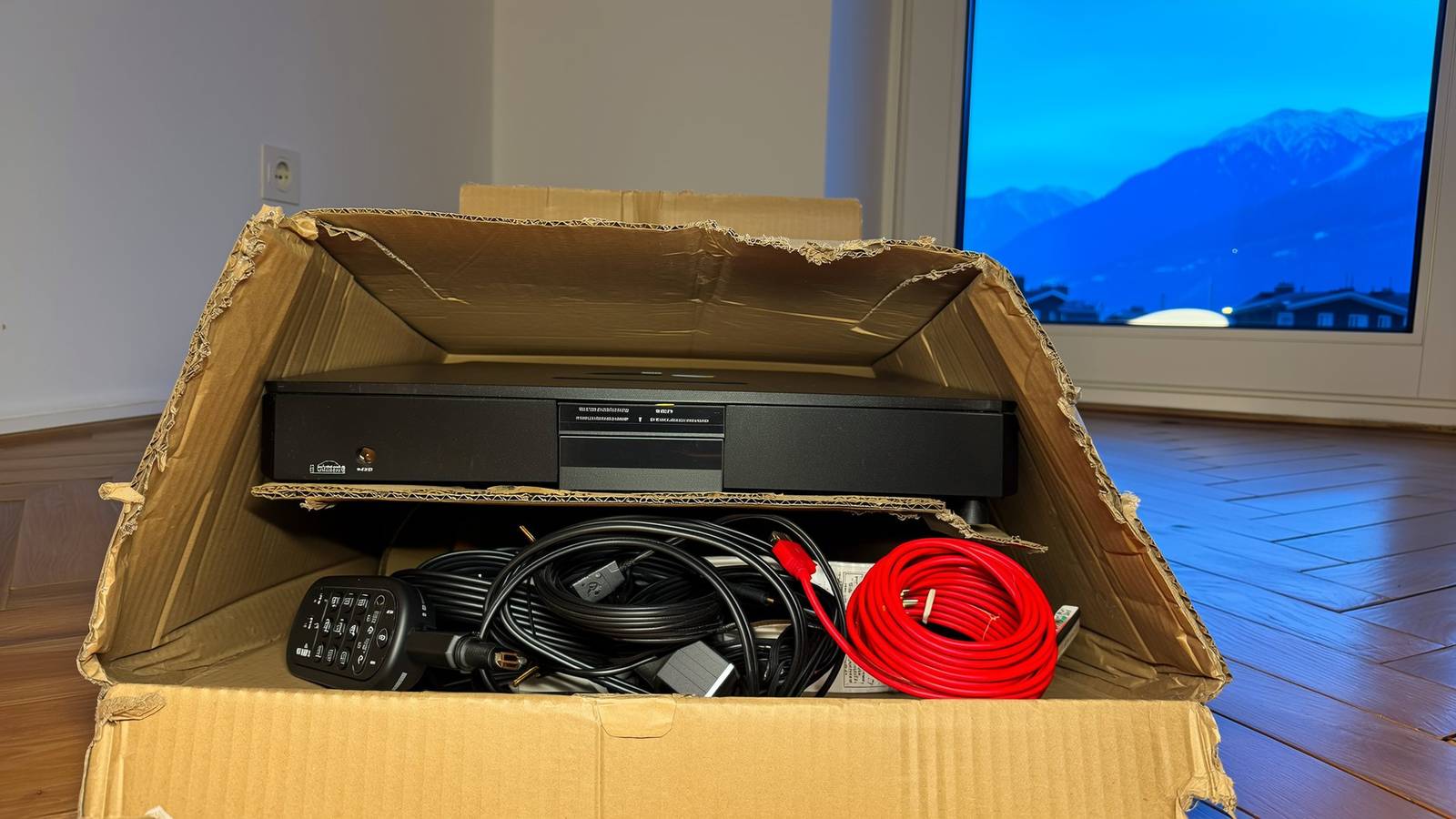
TV boxes, routers, WLAN extenders, remote controls and power supplies are rented equipment with many subscriptions. They remain the provider’s property and must be returned at the end of the contract unless the provider says otherwise.
You can find out whether a device must be returned in the cancellation confirmation, customer portal or contract documents. You will often receive a return label or instructions. Do not wait too long: charges may apply for rented equipment that is not returned or is damaged.
Hardware return checklist
- Read the return instructions carefully and observe the deadline.
- Return all requested parts: TV box, router, remote control, power supply, cables and any adapters.
- Photograph the contents of the parcel before sending it.
- Keep the dispatch receipt and tracking information.
- Reset devices if the provider requests this or if your login details may be stored on them.
- Check your final bill after a few weeks and make sure no return fee has been charged.
You can of course keep a TV box that you purchased. However, it may not continue to work after you change provider. Many devices are technically or software-wise tailored to a specific TV platform. Therefore, check not only who owns the device, but also whether it is compatible with the new service.
Can you keep your landline number?
You can often port a landline number when switching providers. This means that your existing number is transferred to the new provider. Porting is possible only if the new provider offers landline telephony and the technical and contractual requirements are met.
The order is important: do not cancel the landline number yourself before requesting the port. In many cases, the new provider cancels the telephone service as part of the porting request. If you cancel the number first, it may no longer be possible to transfer it.
The following details are usually required for porting and must match the existing contract exactly:
- name of the contract holder
- current address
- previous provider
- number to be transferred
- customer or contract number, if requested
Make sure that the switch to a new Internet line and the number port are coordinated in time. A short interruption may occur during the changeover. If you rely on your landline for an emergency call button, alarm system, lift connection or older fax machine, check compatibility in advance with the new provider or the relevant service provider.
What happens to the provider’s email address?
An email address provided by your Internet operator is almost always linked to your customer account. If you change or cancel your Internet contract, you often cannot continue using this address permanently. Whether a transition period, paid continued use or forwarding is possible depends on the provider.
Do not confuse these two cases:
- Provider email address: for example, an address received with your Internet subscription. It may be discontinued when the contract ends.
- Independent email address: for example, with a separate email service. It remains active because it is not linked to the TV or Internet contract.
Change your contact address with important organisations early. These include your bank, insurer, health insurer, employer, authorities, online shops, streaming services and social networks. Also update the email address used for password resets and two-factor authentication.
If you currently use only a provider address, set up an independent email address before switching. Move important messages, contacts and documents in good time. Also check whether you still need access to old bills or contract documents.
The right order when switching providers
This order reduces the risk of outages and data loss:
- Check the existing contract: record the term, cancellation period, devices and included services.
- Choose a new TV or bundle subscription: check channels, Replay functions, number of streams, app support and Internet requirements. The Internet comparison helps you find suitable connections for IPTV offers.
- Port the landline number: if you want to keep it, start the request with the new provider and do not cancel it yourself early.
- Replace the email address: set up a new independent contact address and add it to important accounts.
- Check recordings and lists: watch outstanding recordings, save the watchlist and note your favourites.
- Test the new connection: check the TV app, TV box, Internet and telephony before the old contract ends.
- Cancel the old subscription on time: save the cancellation confirmation and check any partial cancellations carefully.
- Return all rented equipment: keep the return receipt until the final bill.
Conclusion: switch TV without losing important things
When you change a TV subscription, you cannot fully take your habits with you. Cloud recordings, favourites, channel lists and profiles generally remain with the previous provider. The provider email address may also disappear with the Internet contract. By contrast, you can often keep your landline number if you request the port correctly and in good time through the new provider.
The best protection against surprises is careful planning: check the contract details, watch recordings in good time, change your contact email, return all hardware and request number porting before cancelling. This turns the switch into an administrative task rather than a source of frustration.
Sources and further information
- Dschungelkompass: changing or cancelling an Internet subscription
- moneyland.ch: changing Internet subscriptions in Switzerland
- You can find more practical topics in our guide.