Moving home is a good opportunity to review your existing internet subscription. At your new address, your current provider may be able to deliver faster internet – or may not be available at all. Fibre may be available there, while you were previously connected via copper. Switching to another provider may also make sense. The key is not to wait until shortly before the move: cancellation periods, technical checks and installation appointments can otherwise lead to an interruption in service.
This guide explains how to organise internet, TV and landline services when moving in Switzerland, and whether transferring, cancelling or changing provider is the right solution.
Check the new address technically first
The most important question is not which tariff you have today, but which connections are actually available at your new home. The advertised maximum speed is of little use if the building is only served by older infrastructure.
Check the address on at least two levels:
- The BAKOM Broadband Atlas provides an overview of broadband coverage in the area.
- With the provider you want, check availability for the exact house number and apartment. Only this enquiry shows whether the provider can activate a connection at your address and what speed it is likely to offer.
Three access technologies are particularly relevant in Switzerland:
| Technology | Typical features | What to check when moving |
|---|---|---|
| FTTH fibre | Very high bandwidths, stable performance, often symmetrical speeds | Clarify the OTO-ID, fibre socket and availability of a free port |
| Coaxial cable | Common in apartment buildings, suitable for internet and TV | Check whether the cable socket is active and which provider operates the network |
| Copper/DSL | Available in many regions, speed strongly dependent on line length | Clarify the realistic speed at the new address |
A building may have several technologies. However, the choice may be limited depending on the apartment, the building installation and the network operator. Do not rely solely on information from neighbours or general statements about the municipality.
Clarify the OTO-ID for fibre early
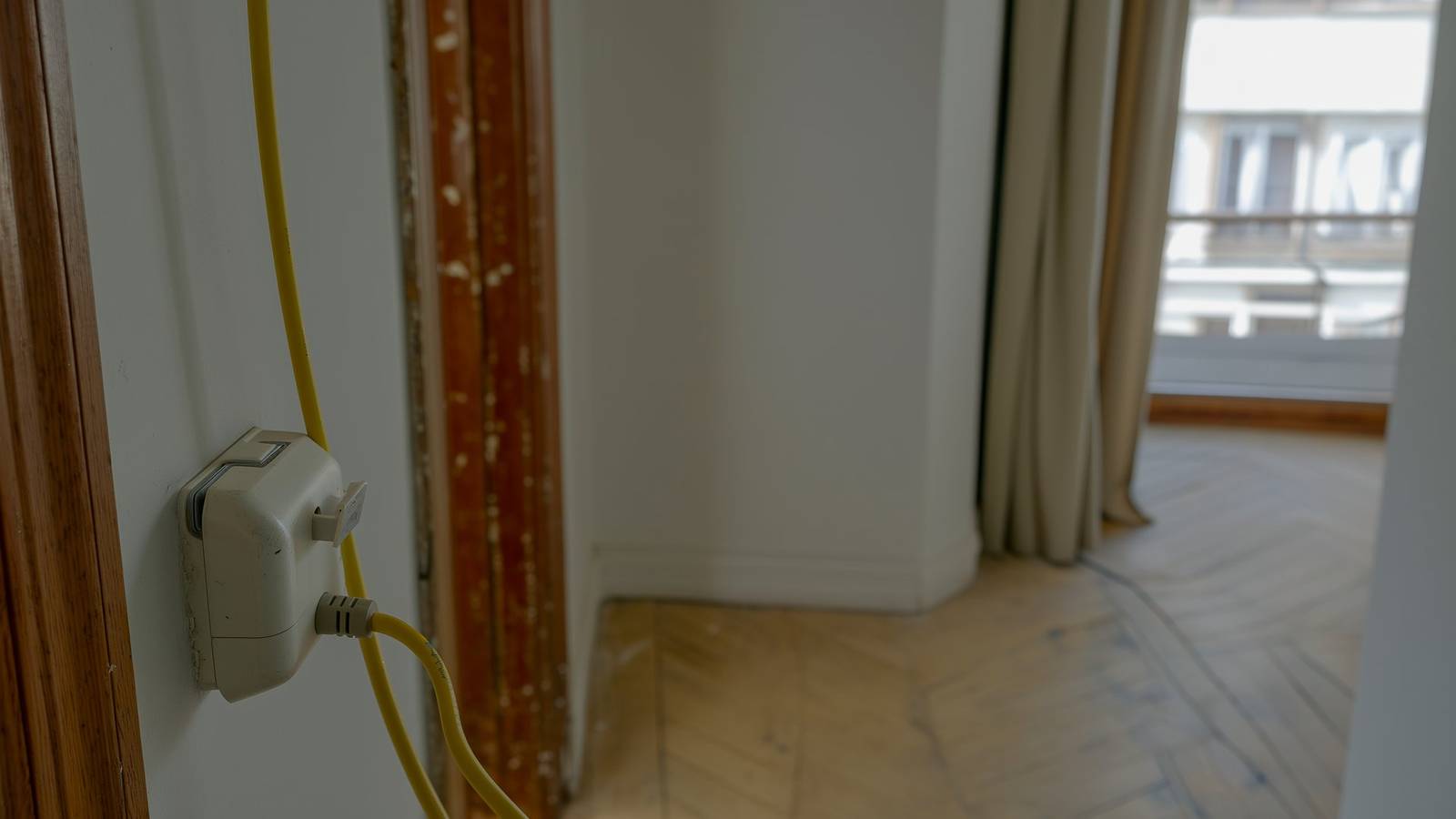
With an FTTH installation, there is usually a fibre socket in the apartment. An OTO-ID is normally shown on it. This identifier identifies the fibre connection and is required by many providers for ordering or activation.
The OTO-ID usually consists of a combination of letters and numbers. Ask the property management, previous tenants or landlord for it if you do not have it. If the fibre socket is present but not clearly labelled or is damaged, report this to the provider.
Important: fibre deployment in the neighbourhood does not automatically mean that your apartment is ready to use. The building installation may still be missing, or a technician appointment may be required. Allow time for this, especially in new buildings or apartments that have been vacant for a long time.
Transfer, cancel or change your existing subscription?
Before placing an order, read the contract documents for your current subscription. The key points include:
- minimum contract term
- cancellation period and possible cancellation date
- rules for an address change or move
- possible moving, activation or installation fees
- included services for internet, TV and landline
- rented equipment such as the router, TV box or additional Wi-Fi devices
Many providers allow you to transfer an existing subscription to your new address. This is usually the simplest solution if the connection is available there and the subscription still meets your needs. Swisscom, for example, points out that you should report your new address as early as possible so that services can be planned. The exact procedures and conditions always depend on your contract and the technical situation at the destination address.
A provider change may make sense if you can get better technology, a more suitable speed or a different TV offer at your new home. If your current subscription cannot be transferred, you must also consider alternatives. If your current provider cannot provide the contractually agreed service at your new home, special rules may apply depending on the contract. In this case, request written information rather than simply stopping payment.
Moving or changing provider: compare total costs
Do not compare only the monthly basic fee. A cheaper subscription may be offset by one-off costs, a longer commitment or missing services. Conversely, switching may be worthwhile if it gives you a significantly better type of connection.
Create a short overview for each option:
| Question | Transfer existing subscription | New provider |
|---|---|---|
| Is the connection available at the new address? | Check with your current provider | Check availability directly |
| Will the previous speed remain available? | Request technical confirmation | Check the offer for the exact address |
| Are there one-off costs? | Check moving or activation fees | Check activation and installation fees |
| What happens to the equipment? | Usually remains usable; check the individual case | Return old equipment and receive new hardware |
| When is the earliest cancellation date? | Not relevant if the contract continues | Check the current contract’s binding date |
| How can you avoid an interruption? | Have the moving date confirmed | Secure the new activation before cancelling |
Also consider whether you have a combined subscription. If you cancel only the internet service, discounts or conditions for mobile, TV or landline services may change. Therefore, review the entire contractual relationship, not just one bill. You can find an initial market overview in the comparisons of internet subscriptions, TV offers and combined subscriptions.
The right schedule for uninterrupted service
The earlier you know the new address, the earlier you should start the technical check. Fibre extensions, complex building installations or a provider change may require several steps.
Six to eight weeks before moving
- Check the new address in the BAKOM Broadband Atlas and with at least one provider.
- Read the existing contract, including the minimum term and cancellation period.
- Request the OTO-ID if a fibre socket is present.
- Ask the property management whether there are special access rules, building connections or planned work.
- Decide whether to transfer your current connection or switch provider.
Four to six weeks before moving
- Officially report the move to your current provider or order the new connection.
- Reserve an installation appointment if necessary.
- Send the cancellation only once the new connection is secured in terms of timing.
- With combined subscriptions, clarify which services will be cancelled, transferred or continued separately.
One to two weeks before moving
- Check the appointment, new address, apartment number and contact details again.
- Check that the router, power supply, fibre cable and TV box are available.
- Keep the return instructions for equipment you no longer need.
- If you work from home, plan a temporary solution such as a mobile hotspot or an additional data package.
On moving day and afterwards
Connect the equipment according to the instructions and test the internet, Wi-Fi, TV and landline separately. Do not just check whether a connection exists; also check whether it reaches approximately the agreed speed. With fibre, it may be important to connect the router to the correct port on the OTO socket. Document faults with photos and note the date and time before contacting support.
Do not forget TV and landline services
Internet is usually the central service, but TV and landline services are often overlooked when moving. With an IPTV offer, television works only with an active internet connection. If internet activation fails, TV will generally be unavailable as well.
For your landline, check whether you want to keep your existing number. Number porting must be initiated correctly and in good time. Do not cancel a connection with a number to be ported too early yourself if the new provider is meant to coordinate the transfer. Otherwise, the number could be lost or the porting delayed.
The same applies to TV boxes and routers: not every device can be taken to a new provider. Keep return documents and only send rented equipment back once you no longer need it and the provider asks you to do so.
Common mistakes when moving internet
These mistakes frequently cause unnecessary stress:
- Cancelling before checking availability: a new offer is realistic only once it has been confirmed for your exact address.
- Looking for the OTO-ID shortly before moving in: missing information can delay the order.
- Booking the installation appointment too late: technician appointments are not always available at short notice.
- Forgetting the house number or apartment suffix: inaccurate address details can lead to incorrect activations.
- Ignoring combined discounts: a partial cancellation can change other contractual conditions.
- No temporary solution for working from home: if your work depends on the internet, plan a mobile replacement.
Conclusion: check availability before deciding on the contract
For a smooth internet move in Switzerland, the order of steps is crucial: first check technical availability at the new address, then your existing contract, and only afterwards cancel or place a new order. Fibre with an OTO-ID, coaxial connections and DSL may involve different dates and requirements.
Transfer your existing subscription if it is available at the new address, still meets your needs and no cheaper or technically better alternative is convincing. Change provider if the new address offers better options or your current connection is unsuitable. In both cases, plan internet, TV and landline services together and secure the activation before finally ending the old connection.
You can find further basics for choosing a suitable connection in the internet comparison and our guide section.